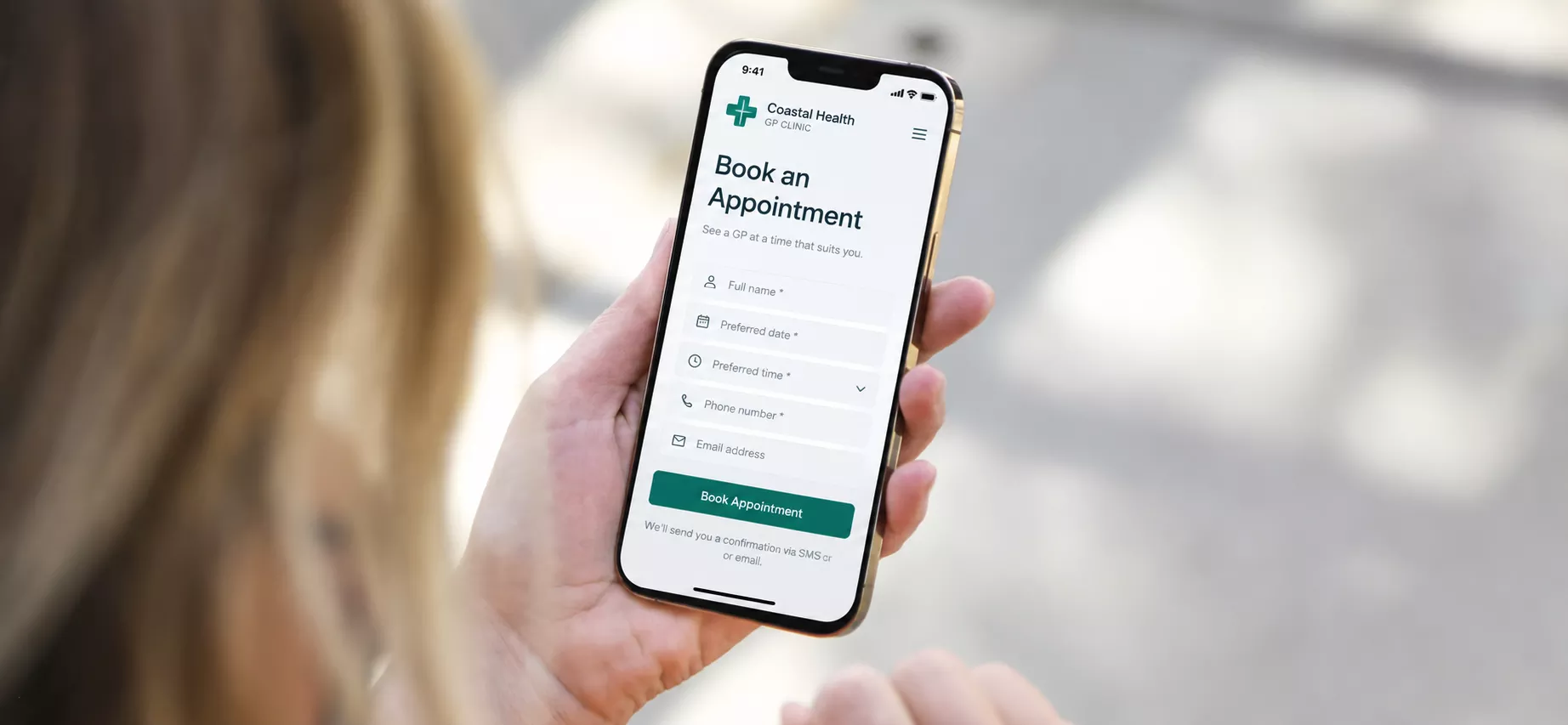
Most visits to a GP clinic website come from a phone, and most patients want the same few answers. The quicker the site gives them, the fewer patients leave to book somewhere else.
What patients check first
Patients are usually looking for five things:
- The next available appointment
- Whether it’s bulk billed, and the gap if it isn’t
- Which doctors work there, including gender, languages and areas of interest
- Whether the clinic is taking new patients
- Location, parking and opening hours, including public holidays
Each of these should be one tap away on a phone. If a patient has to scroll past a welcome message to find them, the page is in the wrong order.
Billing information
Billing changed on 1 November 2025. The Medicare bulk billing incentive now applies to all patients, not only concession card holders and children under 16. A separate program, the Bulk Billing Practice Incentive Program, pays practices a 12.5% incentive if every doctor bulk bills every eligible patient. Practices in that program must display signage, and patients can check a doctor’s billing status on their Healthdirect profile.
Patients now compare clinics on cost before they book. Your fees page should state:
- whether you bulk bill all patients, some patients or none
- standard fees and the out-of-pocket gap
- exceptions such as long consultations, procedures and after-hours visits
- the date the information was last updated
Link to it from the main menu. When your billing policy changes, update the page the same day.
Online booking
Most clinics use a platform such as HotDoc or HealthEngine. The platform is rarely the problem. The problem is usually how the website sends patients to it.
- Put a “Book online” button in the header on every page, visible on a phone without scrolling.
- Link each doctor’s profile directly to that doctor’s availability, not to a general booking page.
- If new patients need a longer first appointment or forms, say so before the booking link.
- Keep the phone number in the header too. Some patients won’t book online, and they shouldn’t have to.
If the booking platform opens in a new window or looks different from your site, add a short line such as “Bookings are handled through HotDoc.” Patients are less likely to drop off when they know where they’re going.
Doctor profiles and AHPRA
Doctor profiles are among the most-visited pages on a clinic site. They’re also where most AHPRA problems appear.
Titles
Ahpra’s guidance on titles says words like “specialist”, “specialises in”, “specialty” and “specialised” imply specialist registration. They’re likely to mislead if the doctor doesn’t hold it. A GP with specialist registration in general practice can be described as a specialist general practitioner. That doctor can’t be described as a specialist in another field, such as paediatrics. Ahpra suggests phrases like “has substantial experience working with” or “works primarily in” instead.
- Correct: Dr Chan, specialist general practitioner with substantial experience working with children
- Incorrect: Dr Chan, specialist paediatric GP
Testimonials and reviews
The National Law prohibits testimonials about the clinical aspects of a regulated health service in advertising. A clinic website counts as advertising. Embedding Google reviews with a widget makes those reviews part of your advertising, so any that mention clinical care or outcomes create a compliance problem. Our AHPRA advertising rules post covers this in more detail, and the same rules apply to GP practices.
What a compliant profile can include
- a current photo
- qualifications and registration type, stated accurately
- areas of clinical interest, using Ahpra-safe wording
- languages spoken
- days and hours worked
- a direct booking link
Service pages
Describe what the clinic offers without promising results. “We offer skin checks” is fine. “Catch skin cancer early and stay safe” implies an outcome, and outcome claims are what the advertising requirements target. The same applies to offers: gifts, discounts or inducements for a clinical service need clear terms, and they shouldn’t encourage unnecessary use of health services.
Pages most clinics need:
- After-hours and emergencies: the clinic’s after-hours arrangement, healthdirect on 1800 022 222, and 000 for emergencies
- Telehealth: which doctors offer it, how to book, and how it’s billed
- New patients: forms, what to bring, and how long the first appointment takes
- Services: one short section per service, factual and outcome-neutral
Mobile speed and accessibility
Clinic websites are used by everyone, including older patients and people with disability. Check the site on an older phone. Text should be readable without zooming, buttons large enough to tap, and every image needs a meaningful description for screen readers. Forms should work with a keyboard alone.
Local search
New patients often search terms like “GP near me” or “bulk billing doctor Gosford”. Google uses your website and your Google Business Profile together to decide who shows up.
- Keep Business Profile hours accurate, including public holidays.
- Link the profile to your homepage using the https address.
- Give each doctor their own page so searches for their name find your clinic.
- Mention the suburbs your patients come from on your contact and location pages.
Checklist
- “Book online” visible on every page on a phone
- Billing page current and linked from the menu
- New patient status stated clearly
- Each doctor profile has a direct booking link
- “Specialist” wording matches each doctor’s registration
- No embedded reviews or clinical testimonials
- After-hours and emergency information easy to find
- Service pages free of outcome claims
- Site tested on an older phone
Next steps
A site that misses several of these doesn’t always need a rebuild. A new header, revised doctor profiles and a proper billing page fix most issues. If the site’s structure makes those changes hard, rebuilding with booking and compliance planned from the start usually costs less over time.
We build and fix clinic sites as part of our GP and medical web design work at our Central Coast web design studio. If you’d like us to review your clinic’s website against this checklist, get in touch.